Role
Level Designer & UI Programming
Description
“Skippebble” is a 3D velocity keeper racer in an ocean environment with a rhythmic based movement mechanic.
The goal of the game is to reach the end of the level by traversing and avoiding obstacles at an ever increasing speed, whilst jumping across the ocean.
Skippebble is my 3. semester student project that I developed with a team of 10 people within 10 weeks.
Start & Finish Time
01.12.2025 - 20.03.2026
Genre
Racing / Velocity Keeper
Platform
PC
Engine
Unreal Engine 5
Game Link
Software & Tools
During the creation of Skippebble I used & managed the following tools:
Notion | GDD / Wiki
Unreal Engine 5 | Blueprints & Level Creation
Perforce | Version Control
Miro | Team Communication
Taiga | Kanban Board
Google Sheets | Production Tool
Level Design
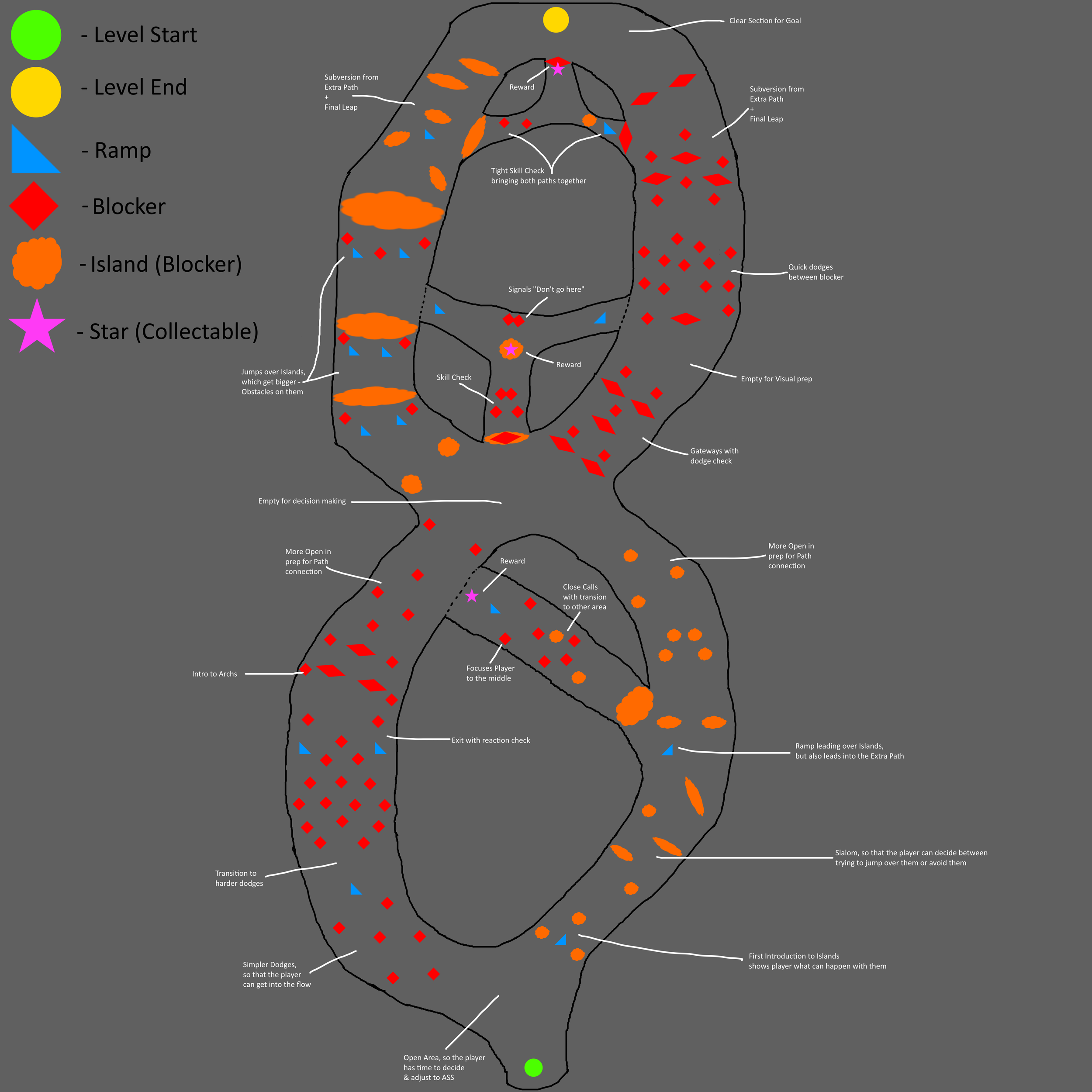
Level Layout
The layout served to be the basis of the level and not be the final product. It gave me the ability to judge & reason why specific elements of the level should exist & where they are to be placed.
It also enables early team communication & easy and quick changes of the planning of the level. Because of this, I had less iterations to go through in the engine, which is a huge time saver.
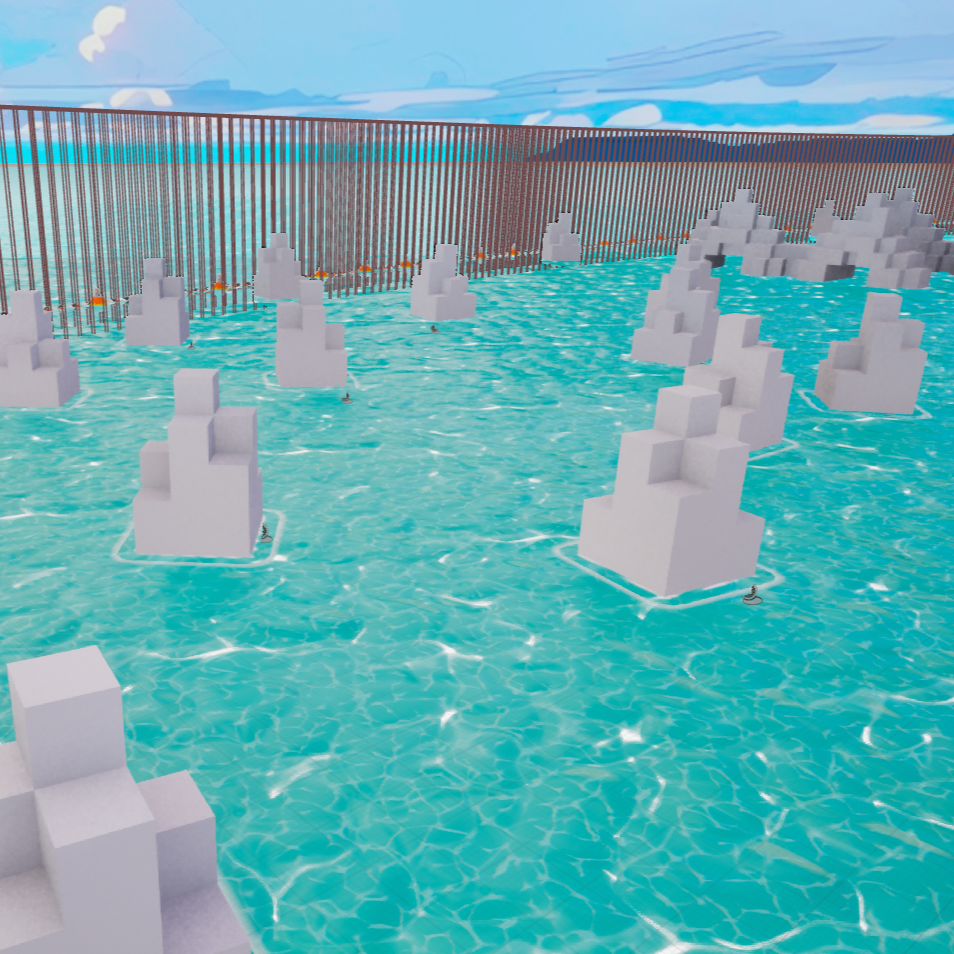
Level Blockout
Once the level layout is finished & approved, I start working on creating the blockout within the engine, in this case unreal 5, to get a better feel for the level within both the 3D environment & the mechanics of the game.
I have created easy to work with level elements, via the CubeGrid tool of unreal engine, and applied the correct collision. Once they existed, I placed them within the level as I had already planned in the level layout. However, I tested each section once it was finished for adjustments of their placements.
As soon as the blockout was finished I went into communication with the other designers of my team for quick feedback. Once it was applied, I went into playtesting for the level.
Iteration & Finalization
After getting feedback & data from the playtests, I go straight to analyzing the results. As soon as the analyzation is finished, I iterate the level and repeat the process to a satisfactory level.
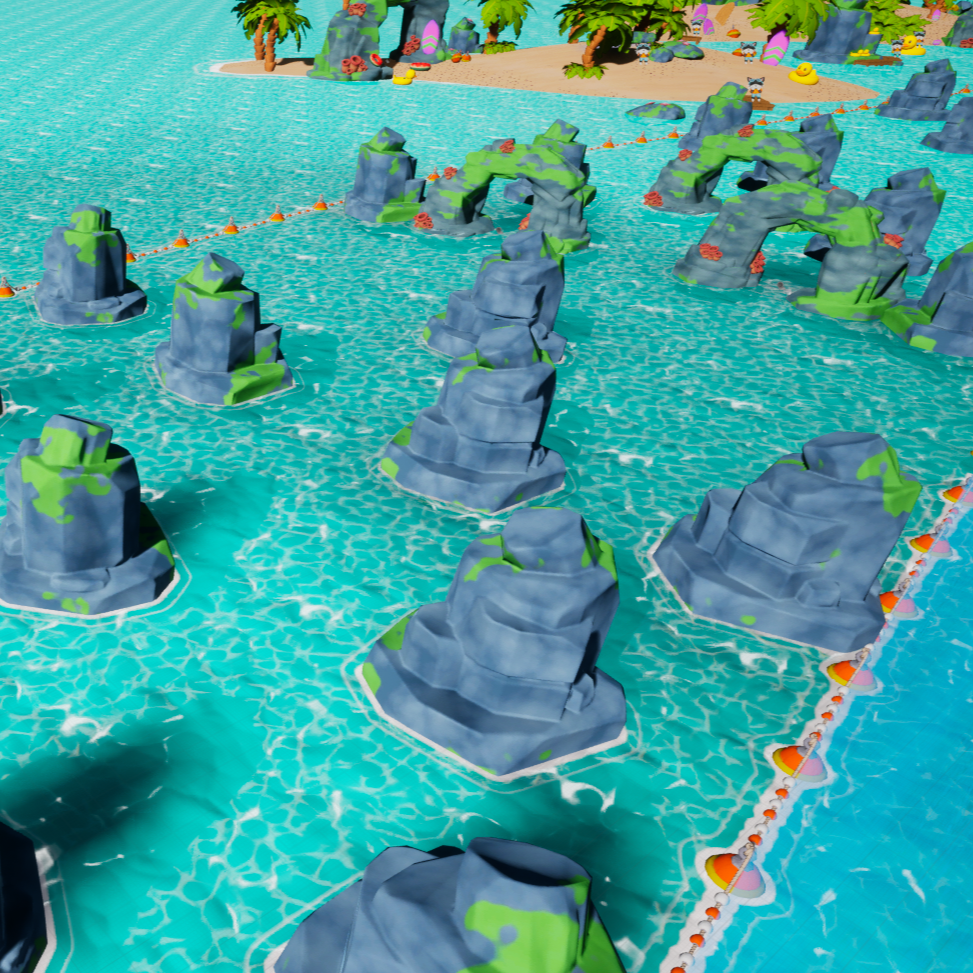
Then I replace the blockout assets with the in-game models & enhance the visual quality of the level.
UI Programming
HUD Logic
When all of our programmers got sick, I started to program more logic for the game, so the project wouldn’t fall behind in the programming department.
I programmed the UI of the game & one of the most important elements which is the main blueprint for displaying the HUD. In this blueprint I added all the HUD elements to the player screen, once they are loaded into a level.
The blueprint also contains the logic to reset the score & collectibles upon death of the player.
Saving Logic
I created the saving & loading logic of the game, which saves the highscore, collectible count & shortest time for each level to bring more replayability into the game & to make comparing highscores more accessible.
The function saves all values within a blueprint and overwrites the values within the save data, if it is, for example, a better score.
Loading Logic
For the loading logic, I created a similar function, which retrieves all needed variables.
It will take these variables once the stats need to be displayed. It filters which variables are needed & it inputs them into the UI to be displayed.
To remove visual clutter, I set up a macro that only needs all the variables to set the UI elements correctly.
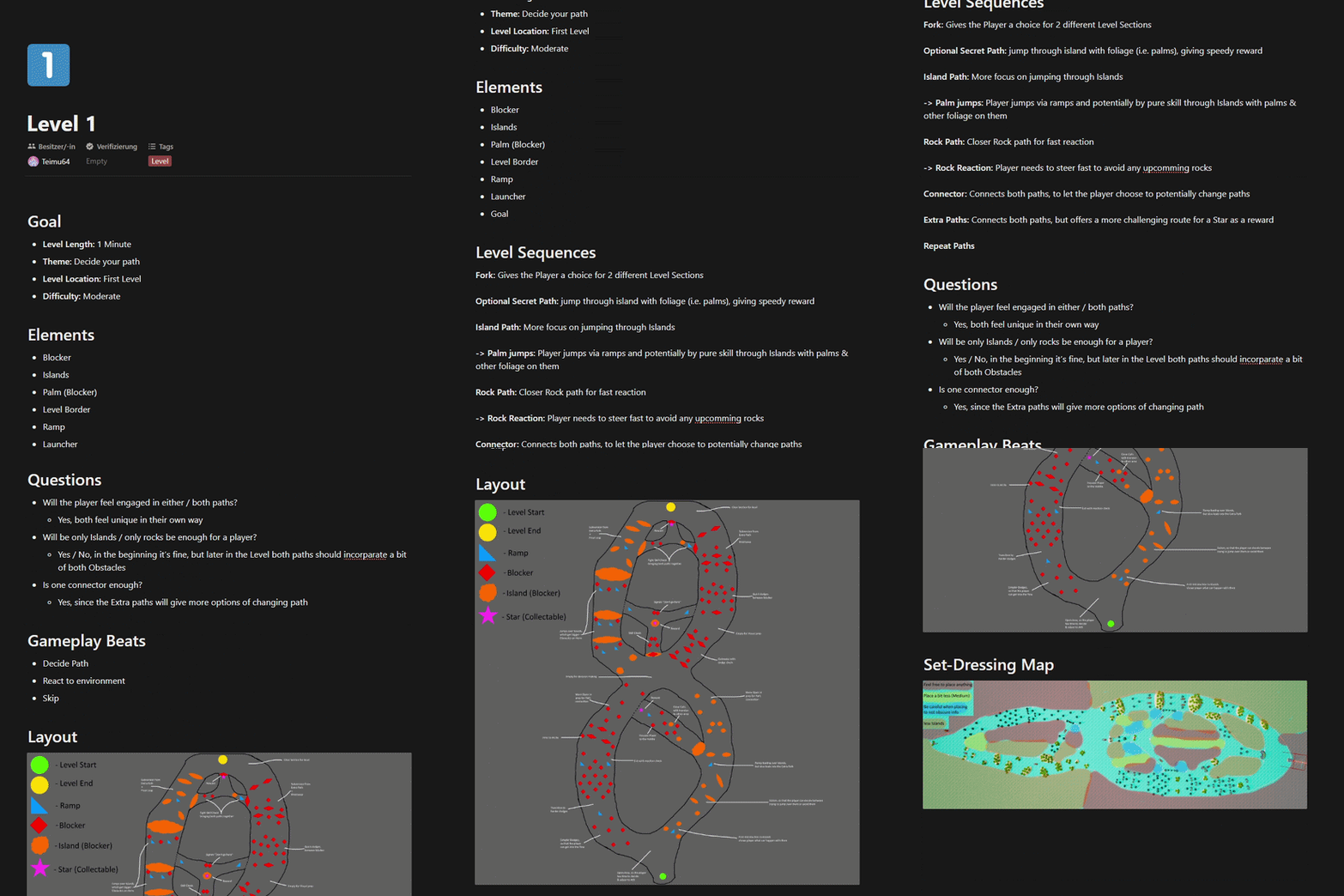
Level Design Document
To support communication within the team & in order to understand the decisions at a later time, I created a Level Design Document. It helped creating a clear vision why each level exists & it sets guidelines for me to work with.
Especially the questions aksed in the Level Design Document were important for later playtesting. They already gave some questions of interest that needed testing, to verify the quality of every level right at the beginning of the workflow.
But also highly important for other members of the team was the Set-Dressing Map. It set limitations on where & how many set-dressing elements are to be placed to insure that the levels were not to visually cluttered & that important information would not be lost due to set-dressing elements blocking the visual path.